HOW MUCH
500 lux for fine detail
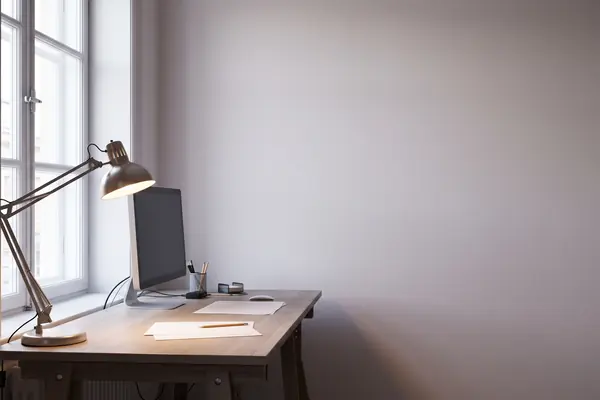
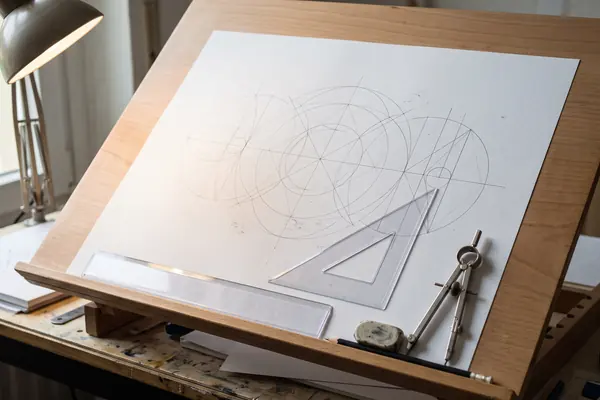
HSE's Lighting at work suggests an average of 500 lux for drawing offices and work needing perception of fine detail, against 200 lux for ordinary offices.
Check your task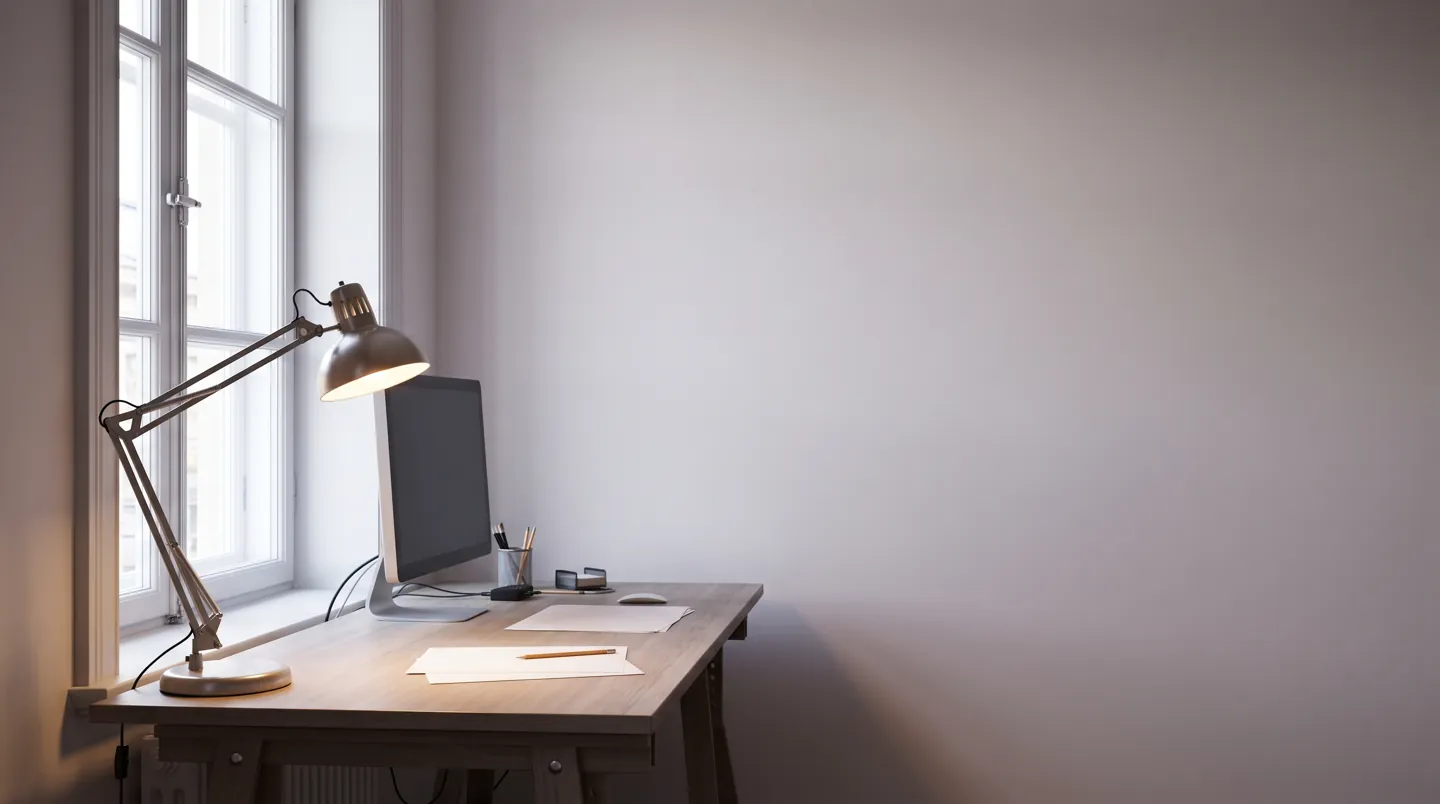
WHAT THE GUIDANCE SAYS
500 LUX for fine detail
AI-generated image, not a photograph of a real person or place.
Fine detail needs more light, but in the right place.
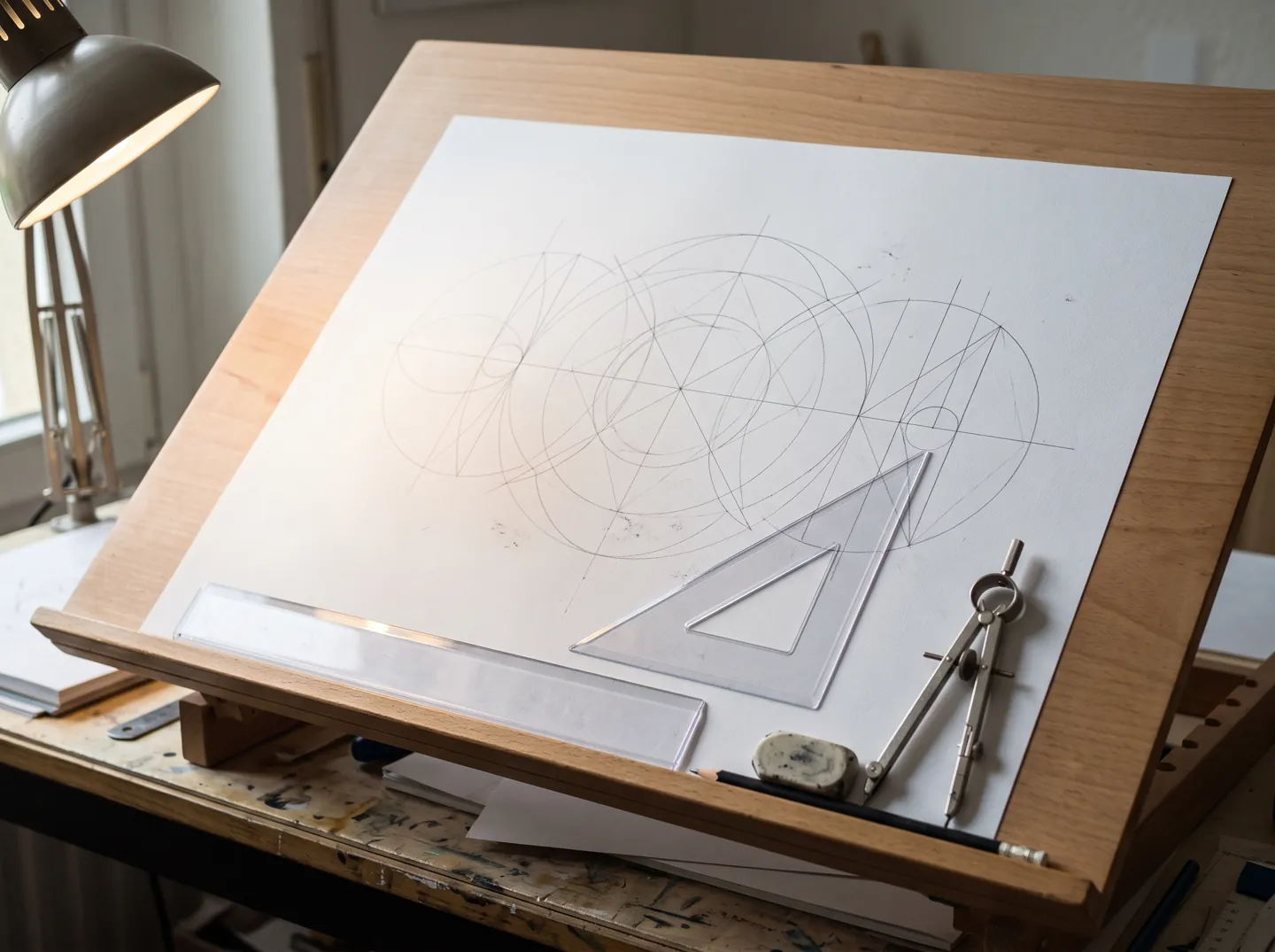
Whether you draw on paper or model parts on a screen, the same HSE guidance applies: enough light on the task, no lamps glaring in your eyes, and no bright window mirrored in the monitor.
THE SHORT ANSWER
HSE guidance looks at three things:
how much light, how even, and where it reflects.
HOW MUCH
HSE's Lighting at work suggests an average of 500 lux for drawing offices and work needing perception of fine detail, against 200 lux for ordinary offices.
Check your taskHOW EVEN
Where a desk lamp lights the task and the room is darker, HSE's maximum ratio between them is 5 to 1. A bright pool in a dark room is harder on the eyes.
See the numbersREFLECTIONS
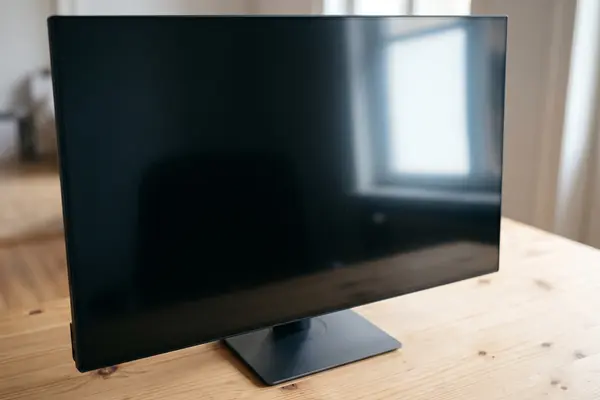
Arrange the desk and screen to avoid glare and bright reflections. HSE says this is often easiest if the screen is not directly facing windows or bright lights.
Four fixes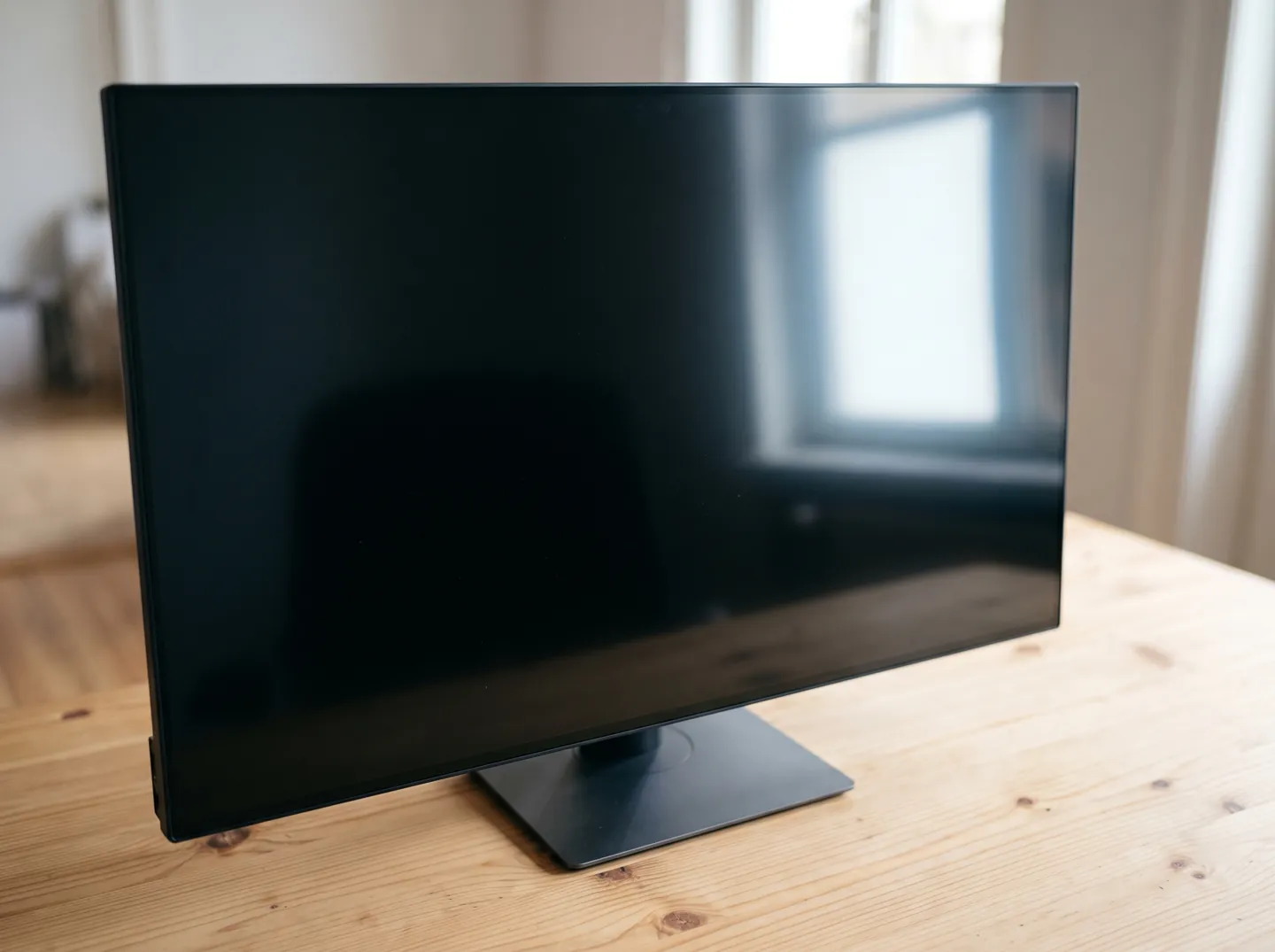
FOUR FIXES TO TRY
Most fixes cost nothing. They come from HSE's DSE brief guide and its Lighting at work guidance.
Place the screen so it is not directly facing a window or bright light, and adjust curtains or blinds to stop intrusive light.
HSE suggests placing a mirror on the task and looking at it from your seat: whatever bright thing you see in it is the source of the reflection.
Adjust the screen's brightness and contrast to suit the room's lighting, and keep the screen surface clean.
Short, frequent changes of activity are better than longer, infrequent breaks, and help prevent fatigue and eye strain.
TWO NUMBERS WORTH KNOWING
One figure for the light on fine work,
one for how dark the room around it may be.
500 lux
Suggested average for drawing offices
HSE's table suggests an average of 500 lux and a minimum of 200 lux for work requiring perception of fine detail, two and a half times the 200 lux suggested for offices.
FINE DETAIL · HSE
5 : 1
Maximum ratio, lit task to its surroundings
Where each task is lit by its own lamp and the area around it is lit lower, HSE's maximum ratio is 5 to 1. Large differences may cause visual discomfort.
TASK LIGHTING · HSE
HSE notes that using only the average figure may leave some spots too dim, which is why it also gives a minimum for any position in the work area.
A QUICK TASK CHECK
Pick the kind of work to see the average light level HSE suggests for it, and the lowest it should drop to anywhere in the work area. The bar shows how much light the task needs.
From the minimum lighting recommendations table in HSE guidance HSG38, Lighting at work (second edition, 1997). This is general information, not a workplace assessment.
EYES AND SCREENS
HSE says there is no evidence that screen work causes permanent damage to eyes or eyesight. Eye tests are offered so users can see the screen comfortably and work without visual fatigue.
If an employee who uses display screens asks for an eye test, the employer must provide one, and pay for a basic pair of glasses if they are needed specifically for screen work. HSE notes this is not an entitlement for the self-employed.
In conversation
HSE's Lighting at work guidance suggests an average of 500 lux, and at least 200 lux anywhere in the work area, for drawing offices and other work needing perception of fine detail.
HSE suggests an average of 200 lux, with a minimum of 100 lux, for offices and work requiring perception of detail. Finer work needs more.
Large differences between the task and its surroundings may cause visual discomfort. Where a task has its own lamp, HSE's maximum ratio between task and surroundings is 5 to 1.
Arrange the desk and screen so the screen is not directly facing windows or bright lights, and use curtains or blinds. A small mirror placed on the screen shows you where a reflection comes from.
HSE says there is no evidence that display screen work causes permanent damage to eyes or eyesight. Employees who use screens can ask their employer for an eye test.
Each figure on this page comes from the sources below.
ABOUT THIS NAME
glowcad.com is part of the DoodleSale portfolio. It isn't in an auction right now, but you can ask about leasing it.